 Cerulean
For staff and parents
Your club, in your pocket.
If your club uses Cerulean, the Cerulean app is where you'll find your schedule, your team's season and messages from the club. Staff and parents use the same app.
Coming soon toApp StoreComing soon toGoogle Play
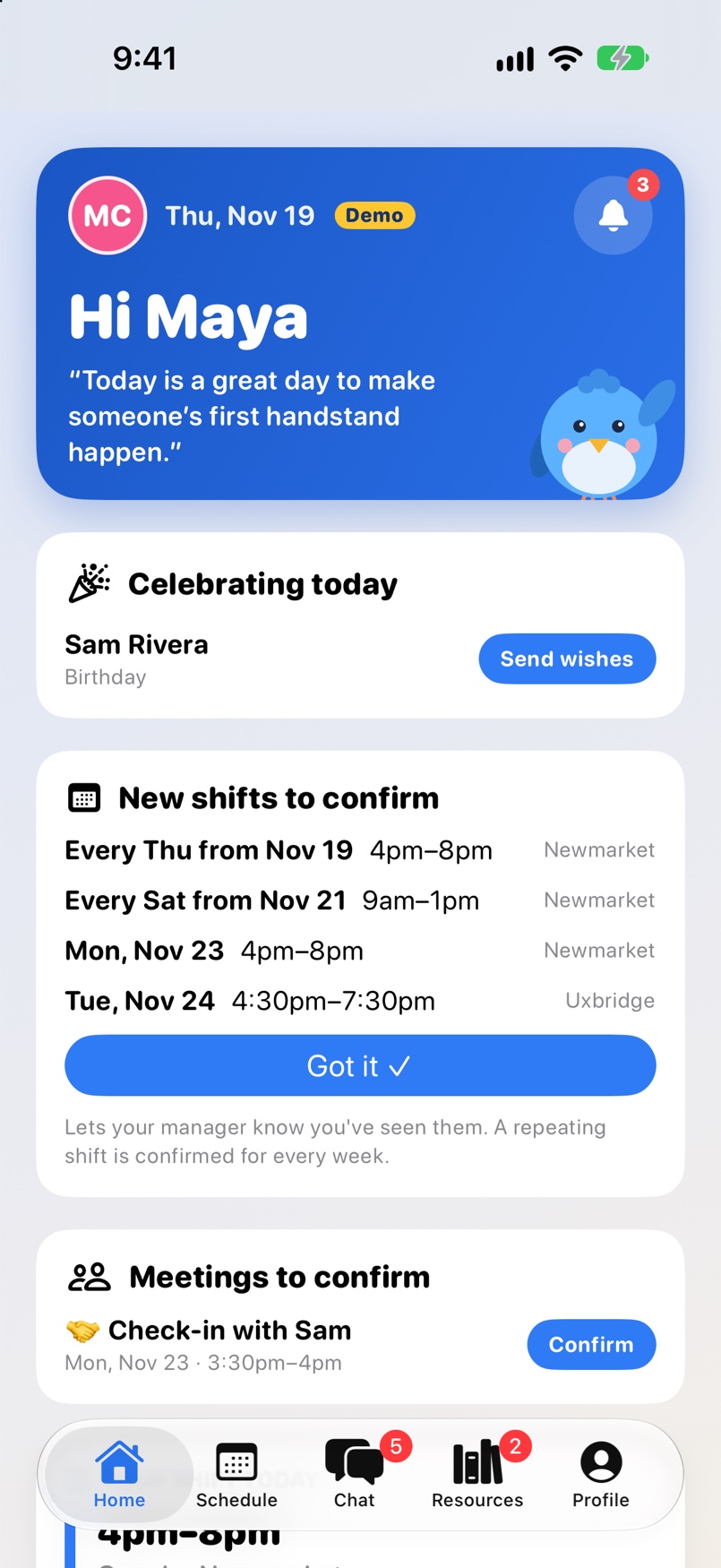
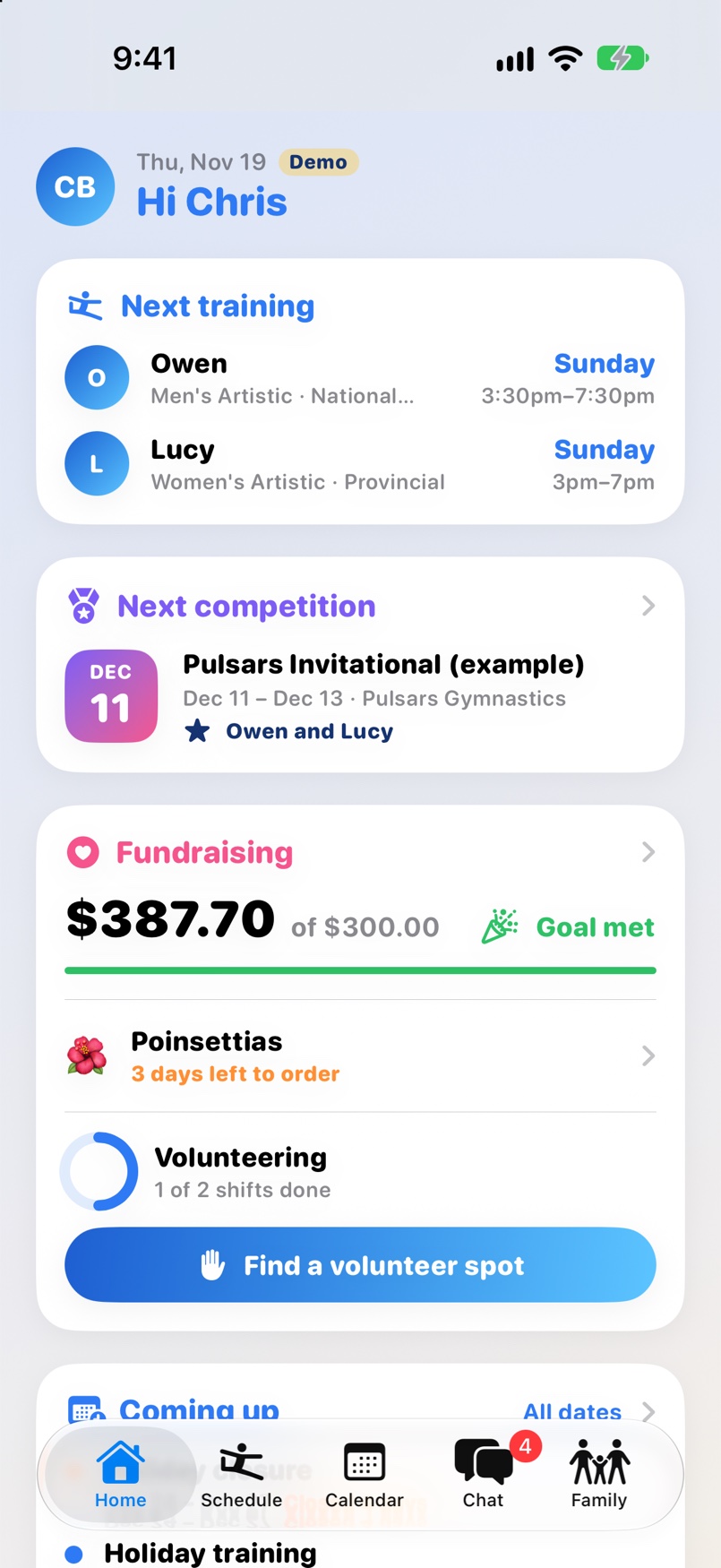
Screens show Cerulean’s demo club. The names and numbers in them are examples.
Getting started
- Watch for your invite.
Your club adds you and Cerulean emails you a temporary password, with a link to download the app. - Sign in with your email.
Use the email your club has for you and the temporary password, then choose your own. - You're in.
Staff see their shifts and plans. Parents see their family. If you're both, switch sides from the menu.
No invite yet? Ask your club's office to add you. Forgot your password? Use Forgot password on the sign-in page.
For staff
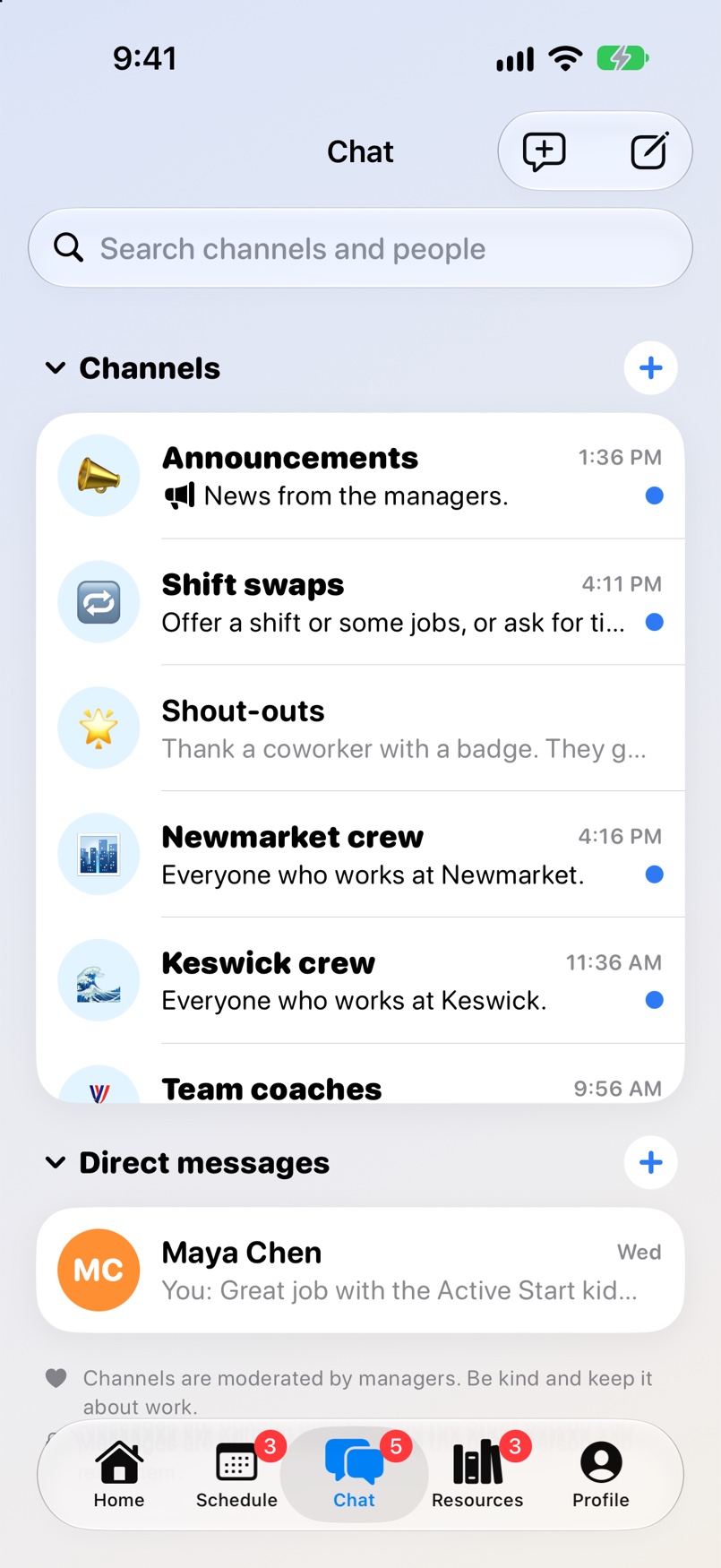
Your shifts and the classes in them, clock in at the gym, today's rotation and lesson plan, time off, shift swaps, chat, training and forms.
For team parents
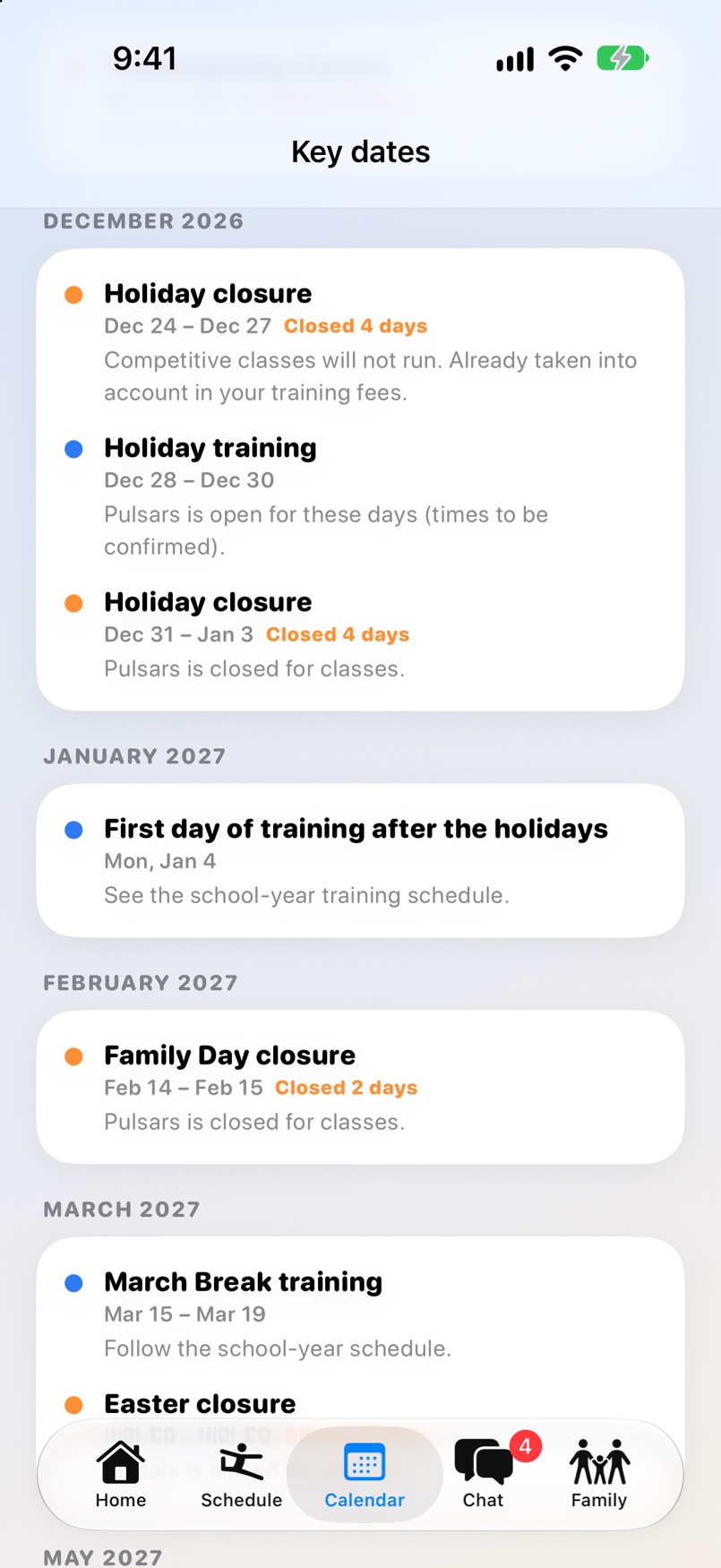
Your athlete's group and training times, meets, key dates, fundraising, and messages from coaches and the club.
For the office
Owners, admins and managers use the website: sign in here.